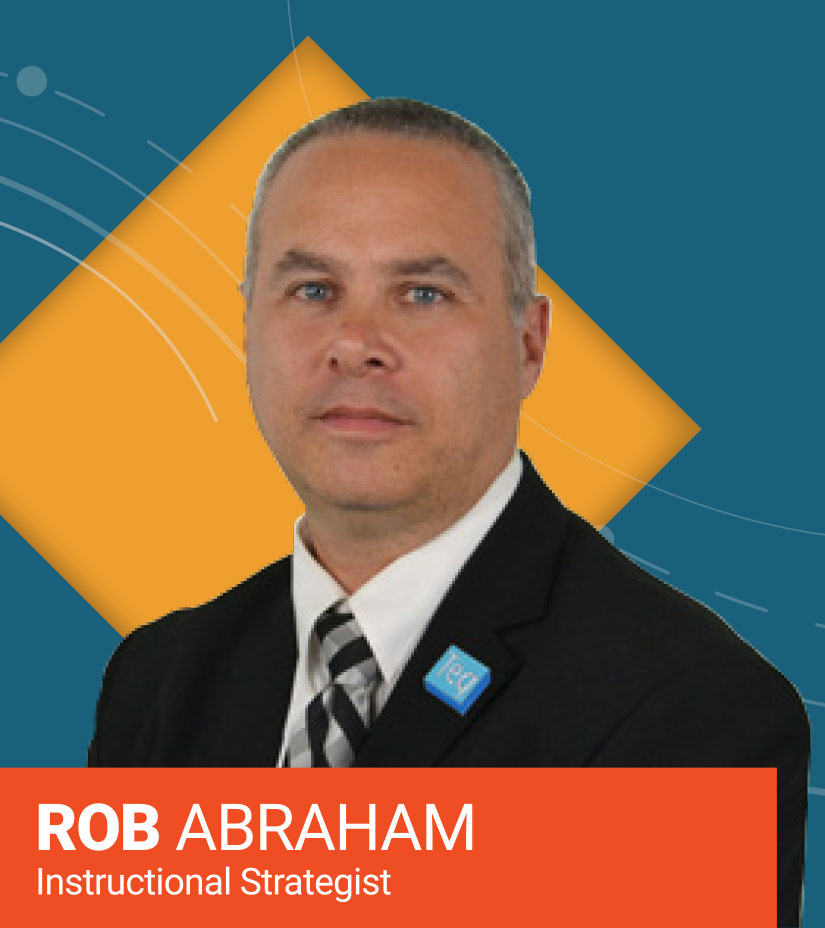
Session Description
The past few years have been difficult for students and teachers. Participants will explore creating differentiated (SEL) check-ins using Google tools such as Slides, Forms and Jamboard. Visual and text-based options will be explored and incorporating Bitmojis and emojis for younger students or students with special needs.
Purpose & Objective
The purpose of this session is to give educators tools to help them interact more effectively with students both in and out of the special needs classroom. Participants will explore Google tools to create differentiated SEL check-ins with students virtually or in the classroom.
Google Forms will be used for text based questions. Google Slides will be used for image based SEL check-in questions including using Bitmoji and Emoji images. Google Jamboard will be used for younger students or teachers with limited computer skills.
SEL check-ins will also be discussed as an effective tool for administrators to use with teaching staff as well.
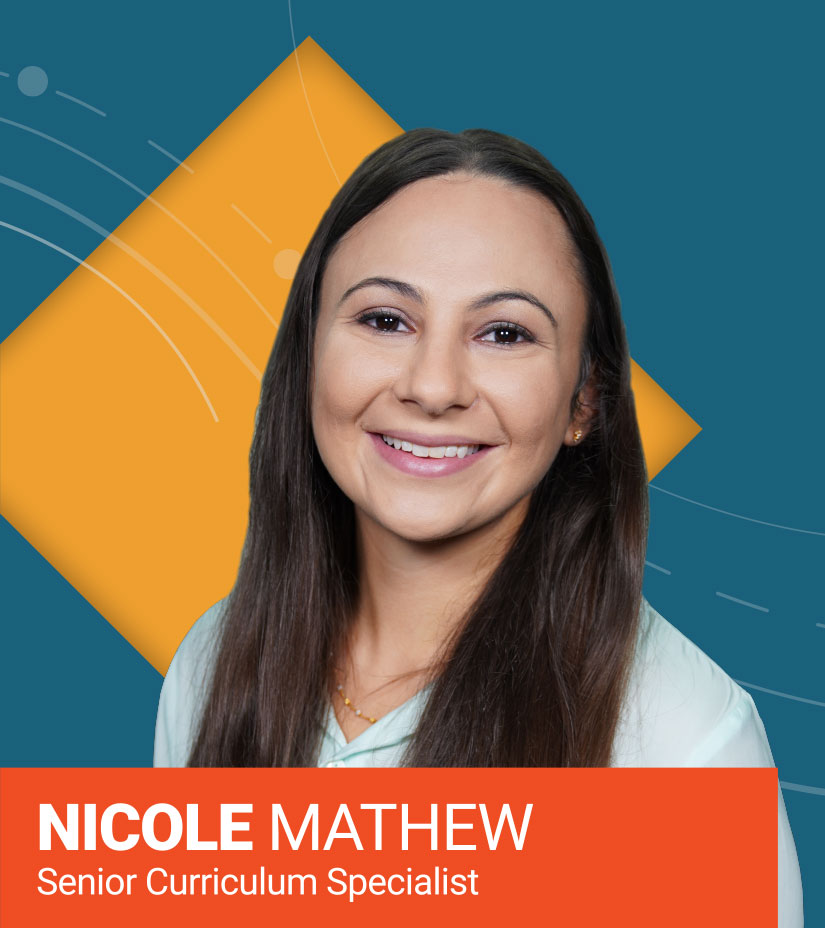
Session Description
Activities utilizing robotics are fun and engaging for students. They can also involve a lot of consumables. Think outside the trash can and transform discarded materials into an exciting creation!
Purpose & Objective
This session focuses on helping educators consider ways in which they can re-use discarded materials to support students’ creations during project based learning and design thinking challenges. Teachers will walk away with lesson activity ideas and a plan for how they can execute these practices in their own classroom.
Session Description
Esports is one of the major trends in schools today. Esports engages students by meeting them in a medium they are comfortable with at home. There are many benefits for students such as the ability to learn and practice vital soft skills that will translate into future career skills.
Purpose & Objective
Participants will learn about different genres of Esports and see examples of each. We will discuss the benefits of Esports for students as well as for schools and districts. In addition, we will review the many job opportunities after graduation.
Session Description
Students already know that an impressive cover can make a book stand out on the shelf. This session will cover how you can challenge your students to be illustrators by designing their own digital book covers. We’ll dive into the different programs out there and describe their features!
Purpose & Objective
Teachers inevitably always have one or two students who just don’t share the passion for literature and reading in general. Adding a component to a traditional ELA lesson, such as a digital book creation, gives these students a chance to show their understanding and creativity.
This session will focus on a variety of tools for digital book cover creation including Book Creator, Canva among others. Each one of these tools will be explored in depth and educators will leave the session with links to access these sites and the initial steps for getting started. They will also have exemplars to share with students to inspire them along the way.
There’s a SMART display for every classroom. Discover a range of high-quality interactive displays engineered for the simplicity teachers want. Easy to deploy and support, they’re a solid investment for any EdTech budget.
Ready to get your SMART interactive flat panel? Schedule a FREE Demo using the form below.

There’s a SMART display for every classroom. Download our FREE SMART Display guide using the form below.